A real 3D globe, rendered natively in Metal.
ImmersiveMap is an open-source Swift + Metal map engine for SwiftUI. It renders a real 3D globe that morphs into a flat map, with vector tiles, labels, a starfield and live avatar markers, natively on iOS and macOS. No web view.
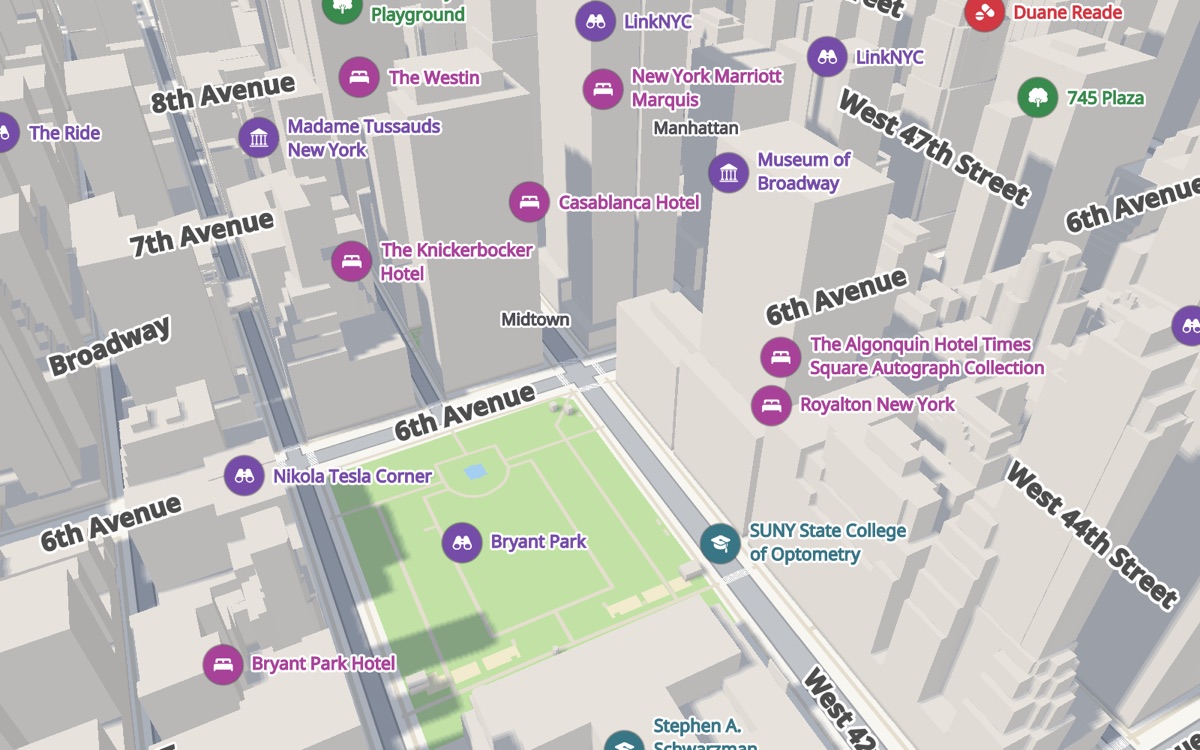
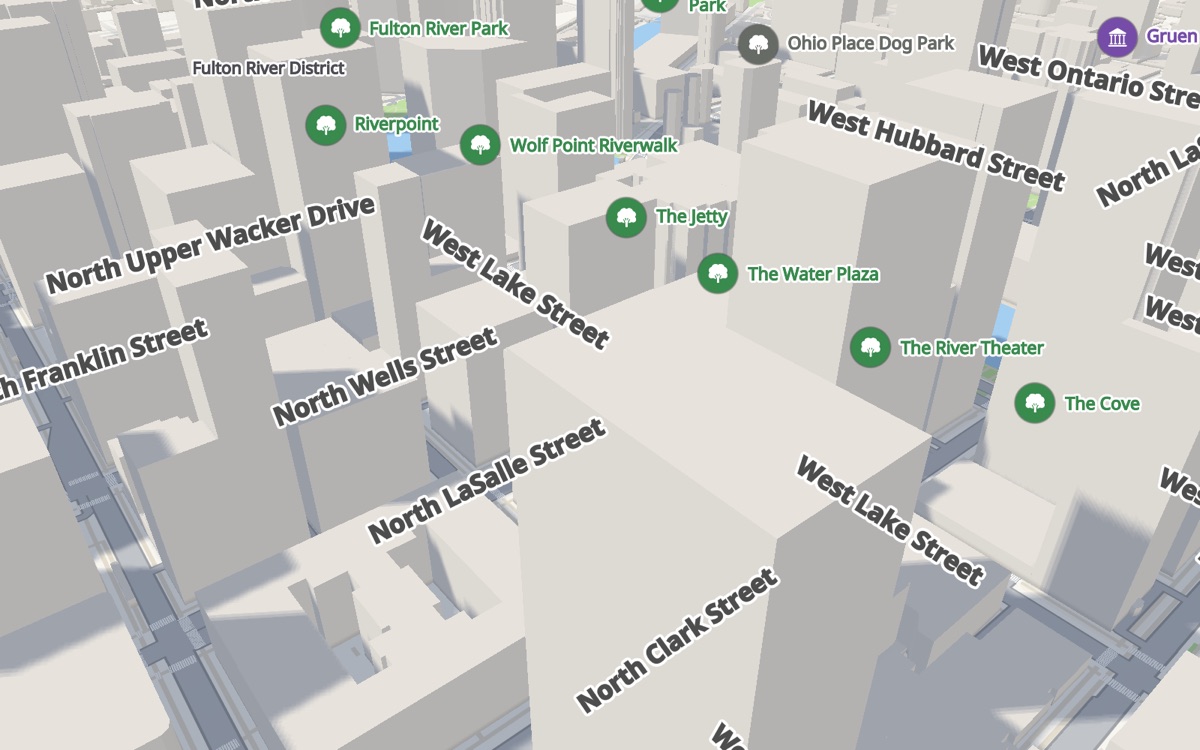
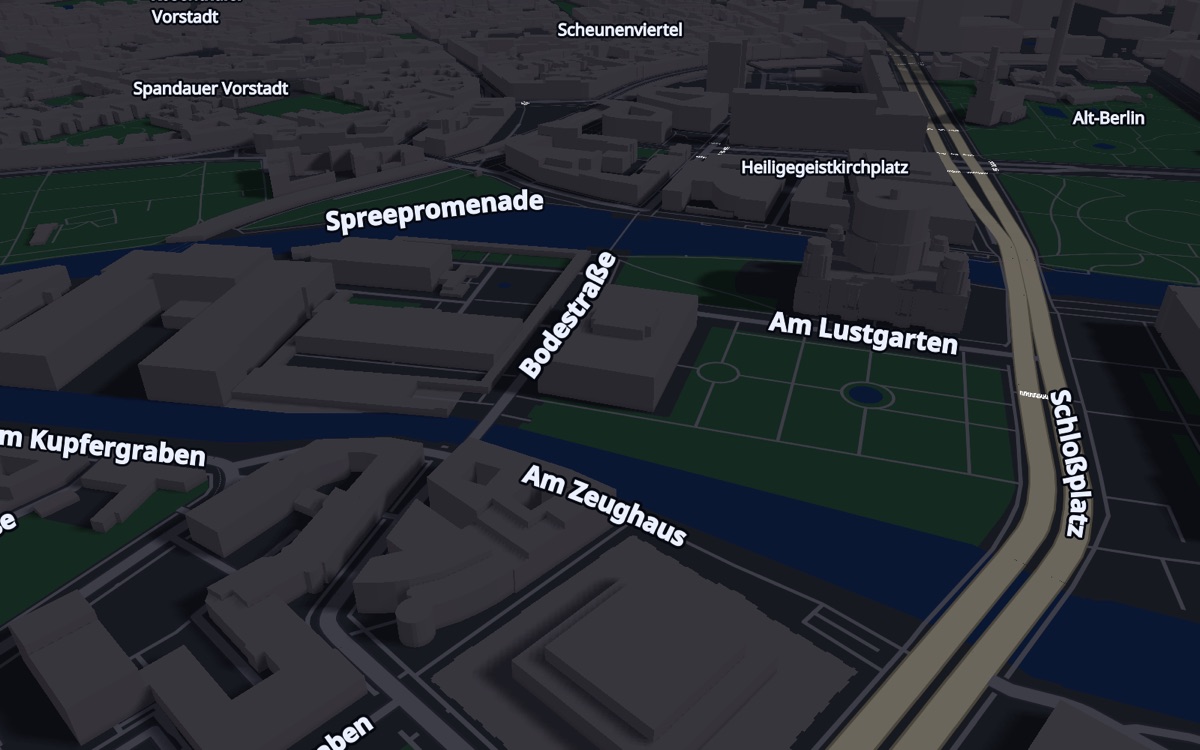
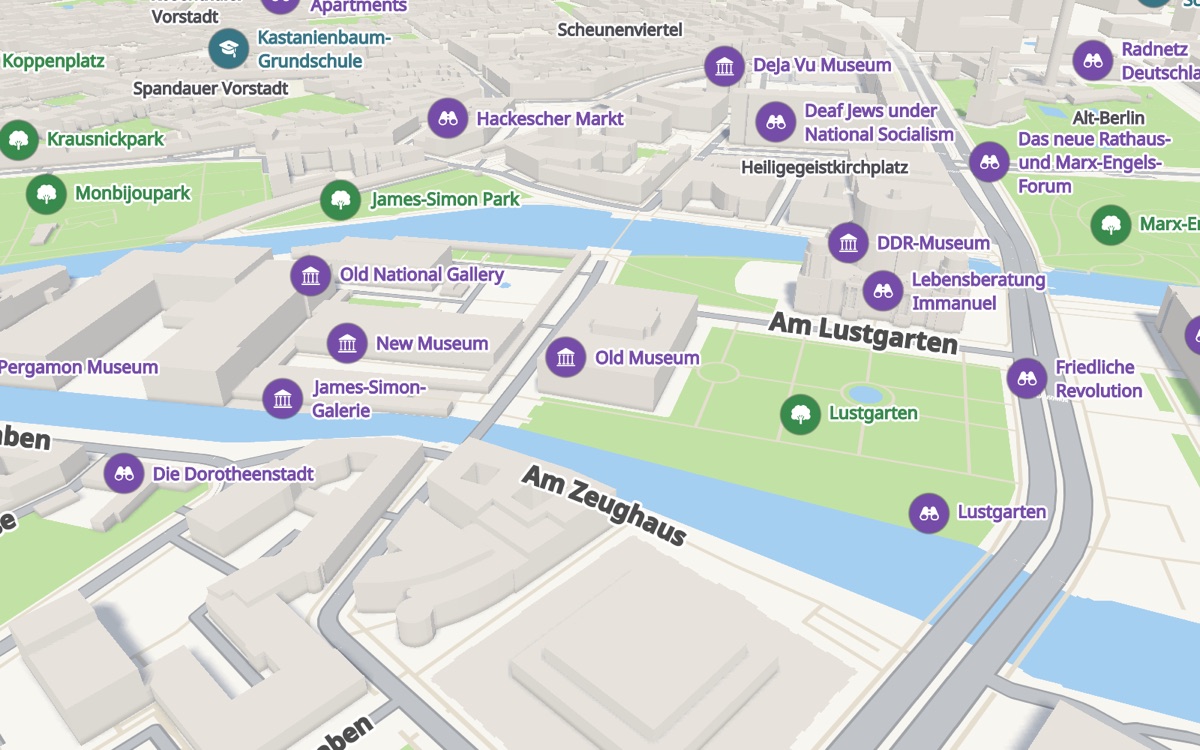
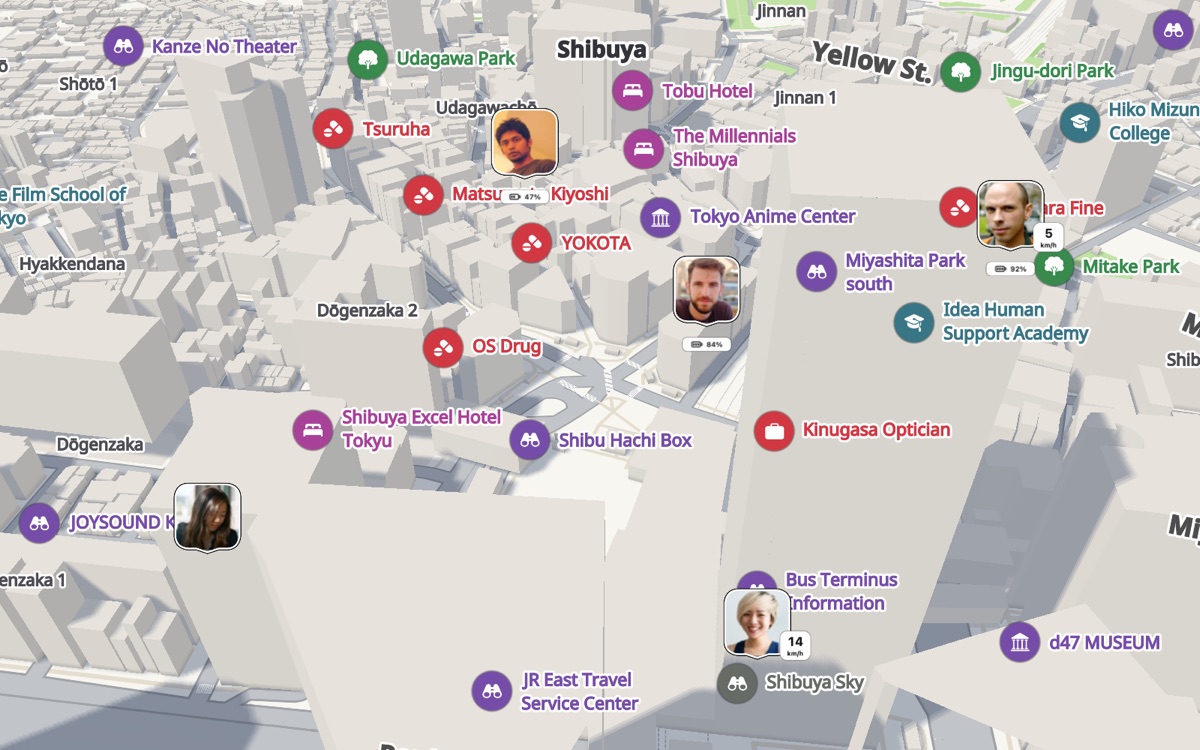
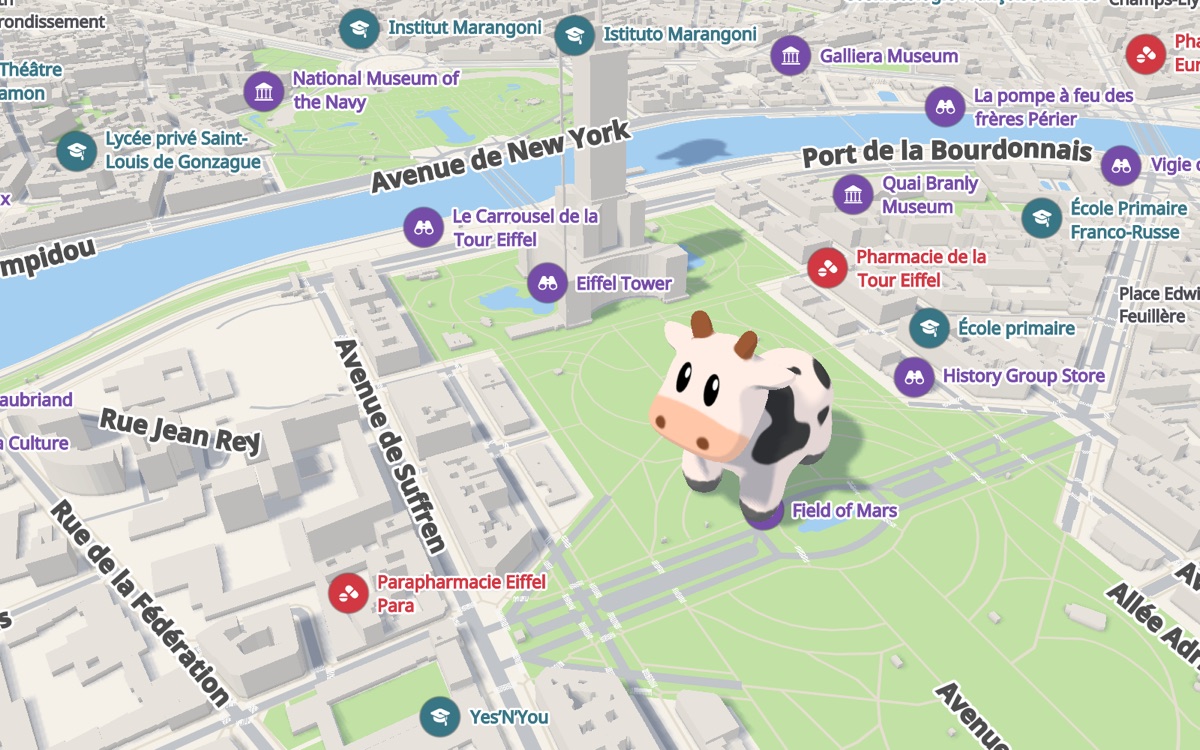
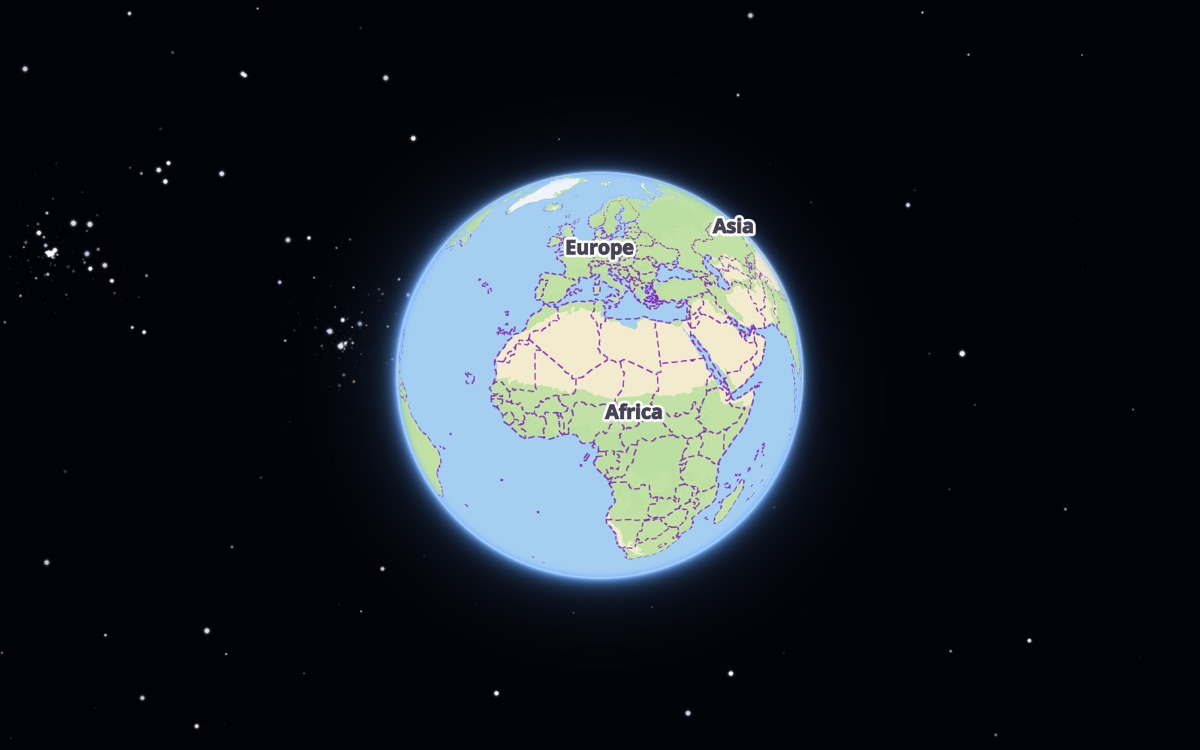
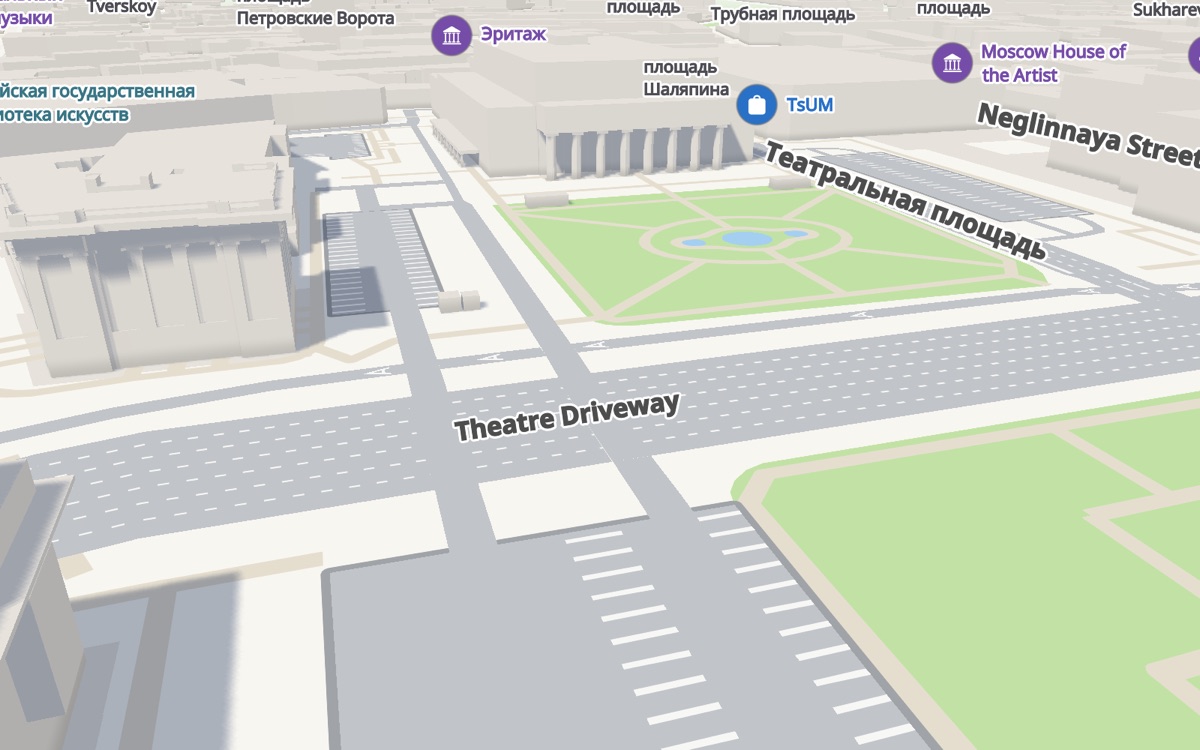
Everything lives on GitHub: source code, documentation and releases. Found a bug? Open an issue and I'll get back to you.
Quick start
Two steps to a map on screen. Point the engine at our tile servers, and that is the integration. The tiles are public: no key and no sign-up.
https://github.com/artembobkin/ImmersiveMap.git
In Xcode: File → Add Package Dependencies…, paste the URL, then add the ImmersiveMap library to your app target.
import SwiftUI
import ImmersiveMap

struct ContentView: View {
    var body: some View {
        ImmersiveMapView()
            .tileURLTemplate("https://immersivemap.dev/tiles/{z}/{x}/{y}.mvt")
            .ignoresSafeArea()
    }
}
It renders on iOS and macOS from the same SwiftUI code. The URL above is the whole integration: the planet, z0 to z16, refreshed from OpenStreetMap by our own pipeline.
Swift 6 · Xcode 16 · iOS 18 · macOS 15 Watch the tutorials → Read the docs →
Early Partner Program
For the teams building their map on ImmersiveMap first.
If you are building on ImmersiveMap while it is still early, we would love to work with you. No terms and no conditions, just a conversation.
- Your app on ImmersiveMap: a real map, in production, used by real people
- Honest feedback: where the engine shines and where it falls short on your data
- A story worth telling: how the integration went, in your words, if you are up for it
- Open an issue and say hello: what you are building and where you are with it
- Talk it through: questions, ideas and rough edges, in the open on GitHub
Nothing to apply for and no waiting list. Open an issue and tell us what you are building.